Water Polo Camera

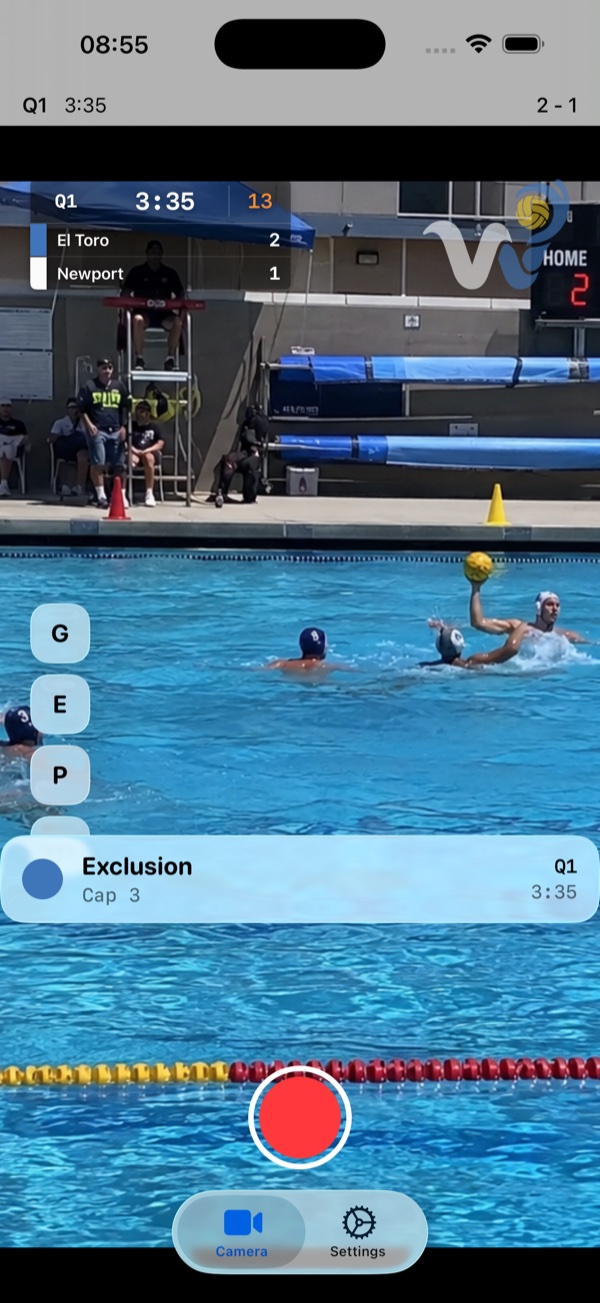
Water Polo Camera turns an iPhone or iPad into a water polo camera that films the game with the live score and clock right on the video.
What it does
- Records up to 4K at 60 fps, as far as your device goes.
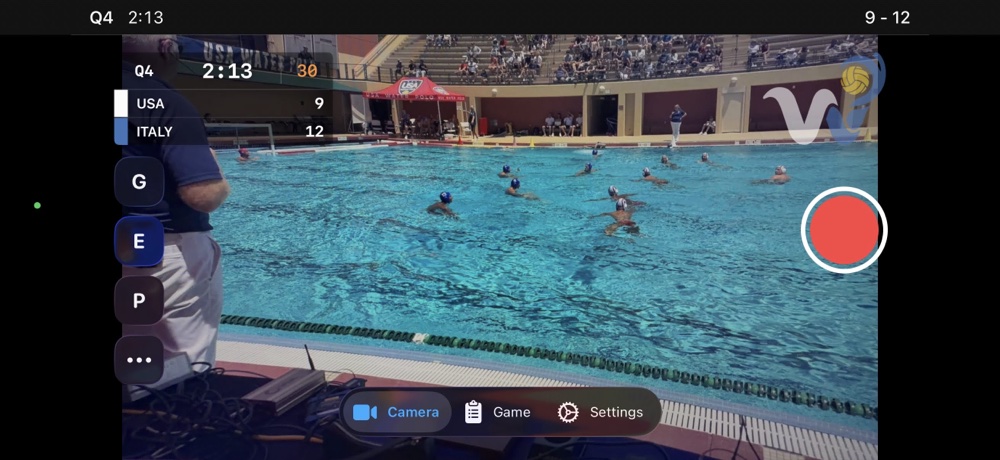
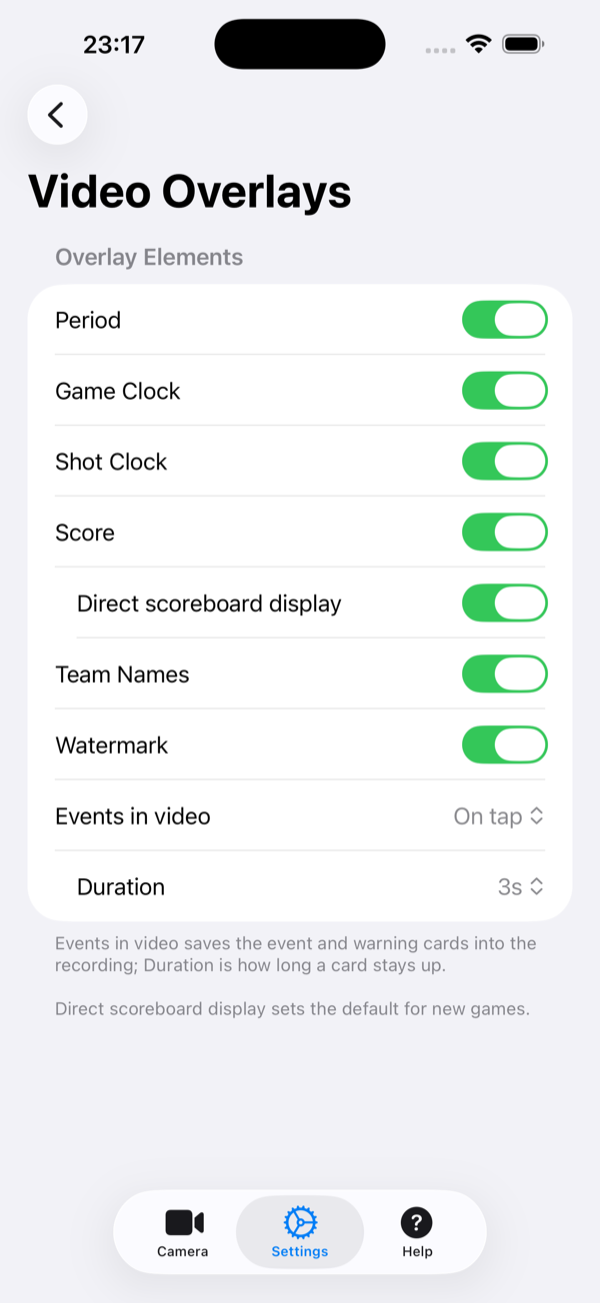
- Draws a live scoreboard onto the video as you film: period, game clock, shot clock, and score.
- Keeps a built-in scorebook for goals, exclusions, penalties, timeouts, and more.
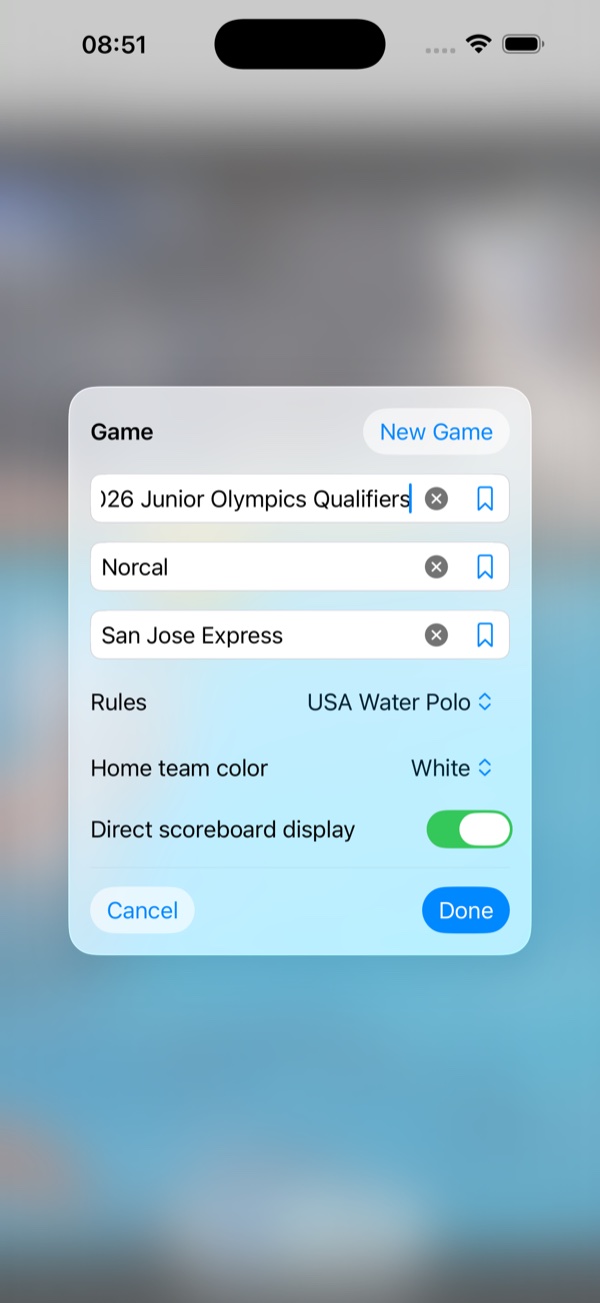
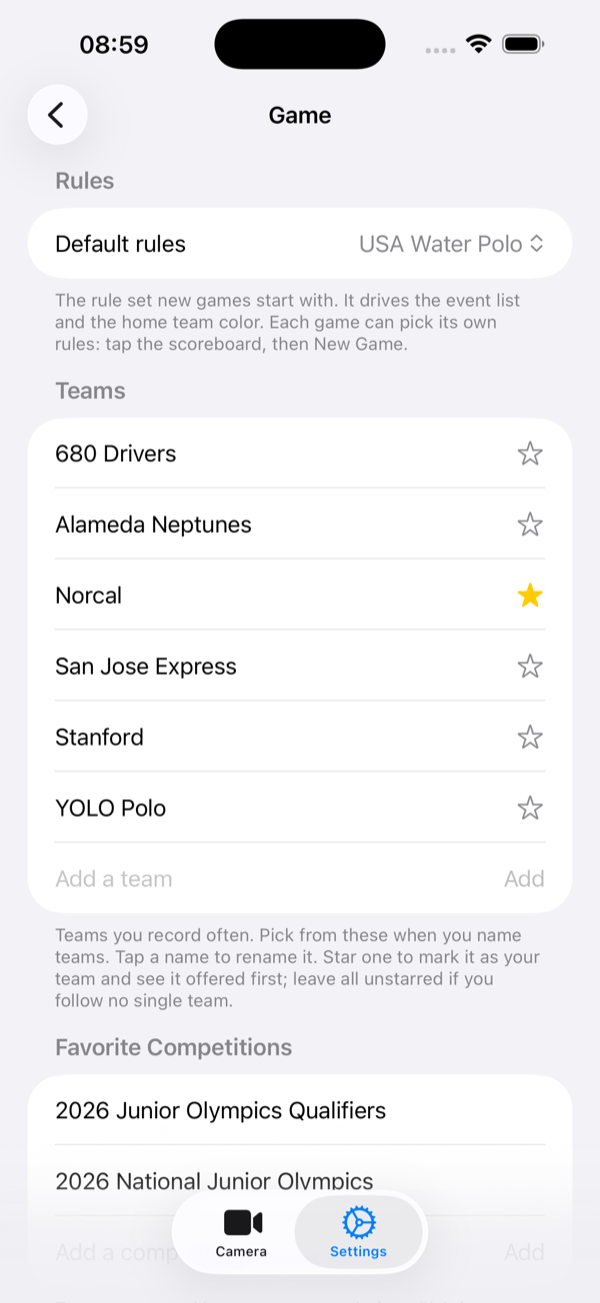
- Remembers your favorite teams for quick game setup.
- Saves a normal video file to your camera roll, scoreboard and all, ready to share like any other clip.
Where the score and clock come from
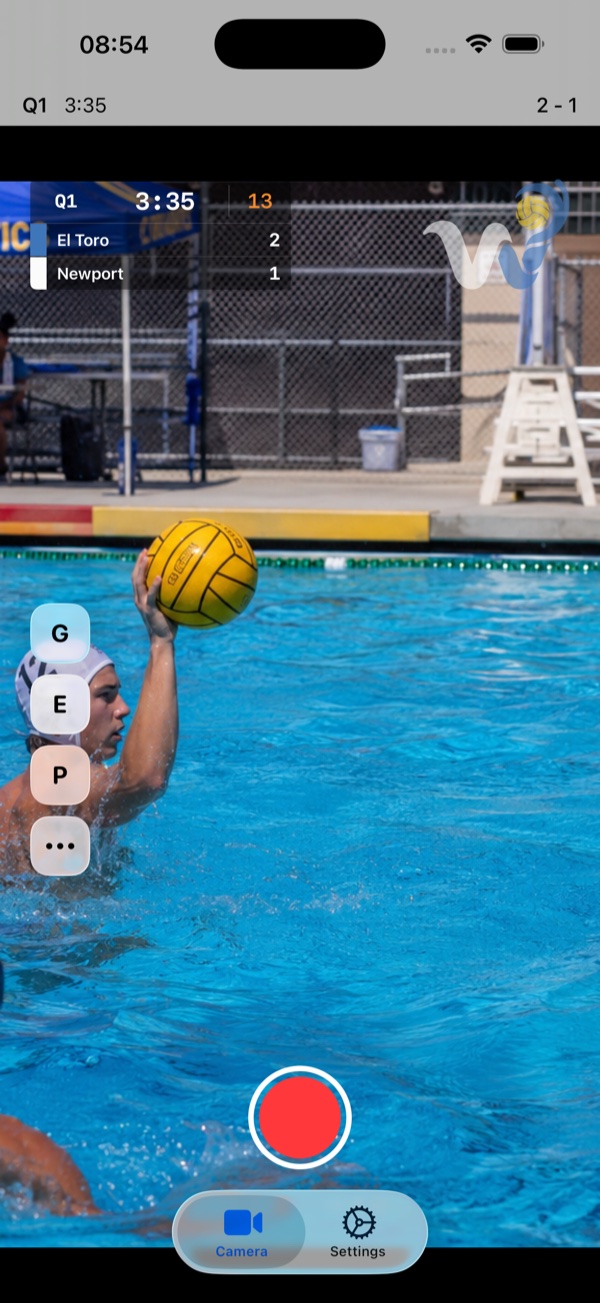
The period, game clock and shot clock arrive live from a paired Water Polo Board at a pool with a compatible scoreboard; there is nothing to type in and nothing to keep up with.
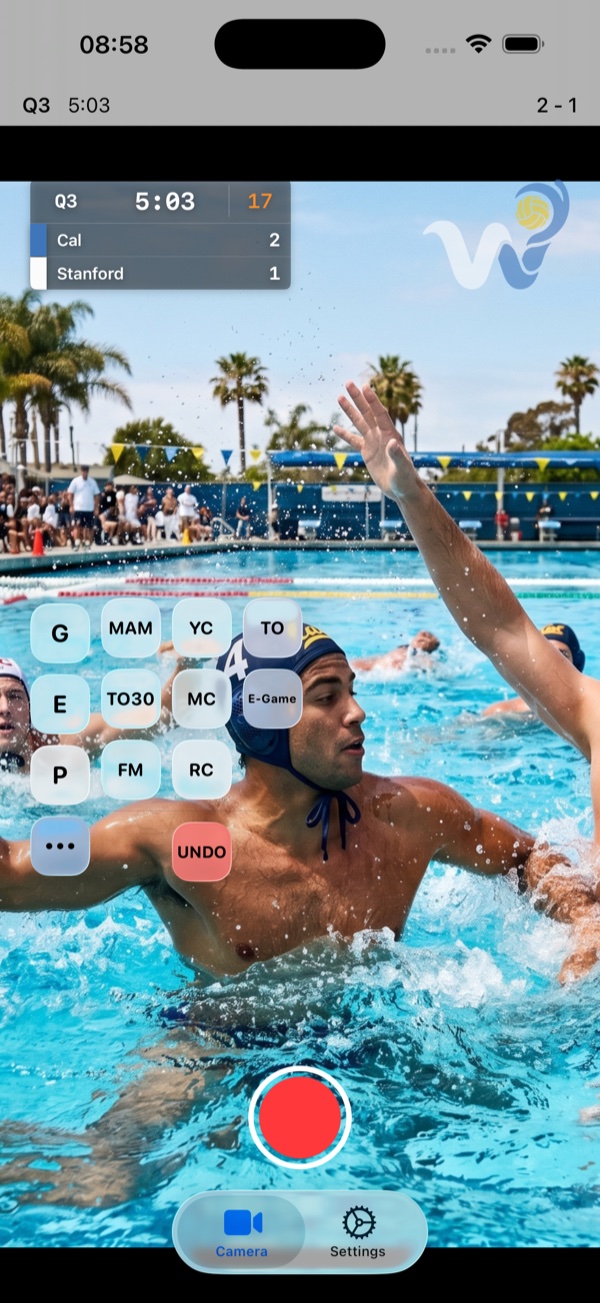
The score goes either way, per game. By default it follows the scoreboard as well. Switch that off and you keep the score yourself, tapping in each goal with its time, team and cap number, and each one you enter appears on the video as it happens. Either way, the scoreboard and everything you enter are drawn onto the recording as you film, so the finished video already has it all on it.
Using it at the pool
Set your teams once and they are ready next time. At the pool, pair the Board, prop your phone or iPad up on the deck, and start recording. The period, game clock, and shot clock ride on the video the moment they change on the scoreboard, and you tap in goals and exclusions as they happen. When the game ends, you stop recording, and the clip is already in your camera roll with the scoreboard on it: nothing to edit, nothing to add later.
What you need
- An iPhone or iPad.
- A paired Water Polo Board at a pool with a compatible scoreboard, for the live game and shot clock.